Beta - 25 free screenshots on signup

Turn websites into
clean screenshot sets.

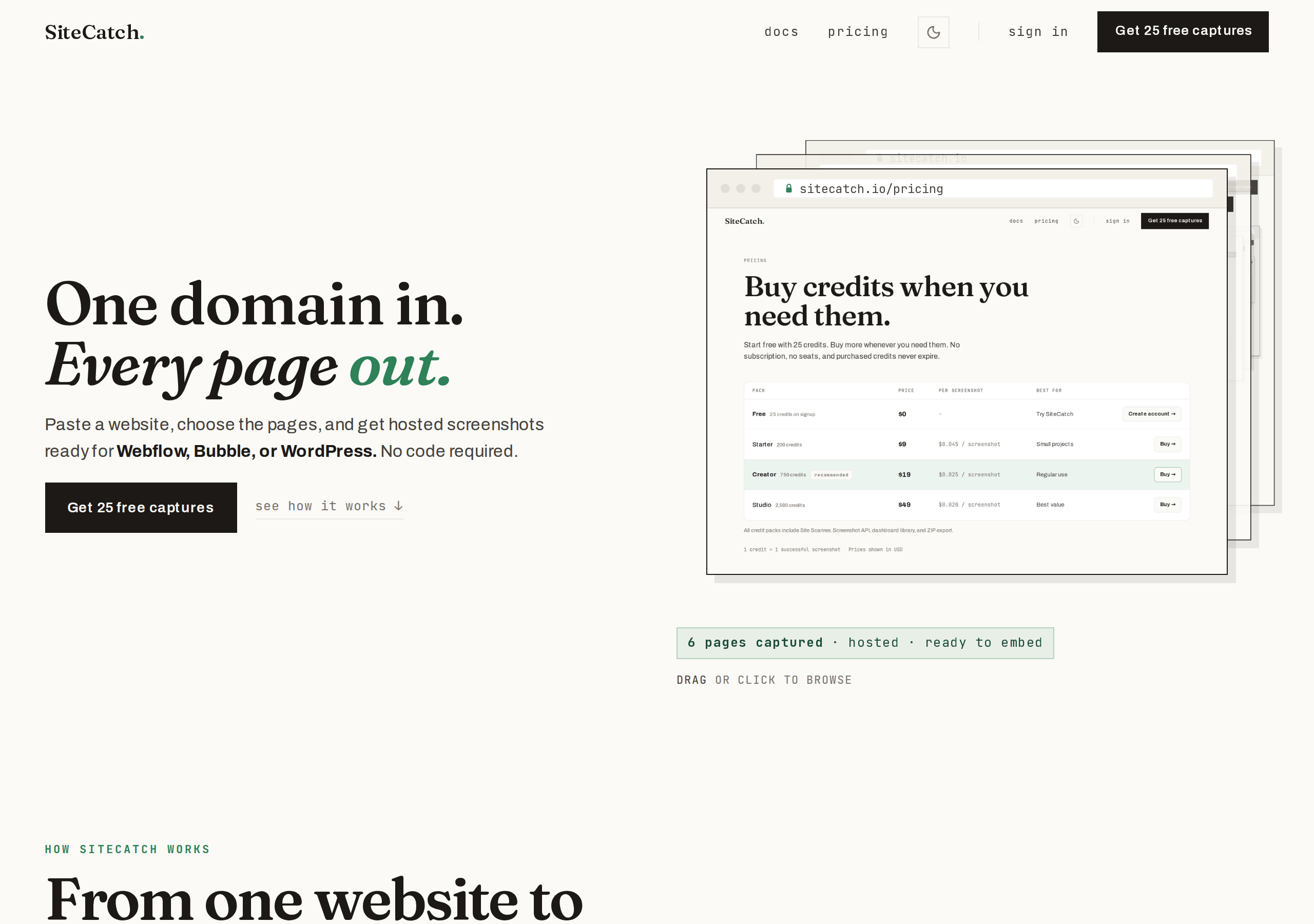
Scan a website, choose the pages, save the screenshots.

SiteCatch turns one homepage into a selectable set of website screenshots for portfolios, directories, client reports, and launch assets. Need one exact URL? Use the same engine through the API.

Start free - 25 screenshotsSee how it works ->

No card - scan first - credits only for captured screenshots

Scanner - site in, screenshot set out3 selected
example.com/products

/products

example.com/pricing

/pricing

example.com/about

/about

example.com6 pages found3 credits used
API - one exact URL
example.com/pricing
example.com/pricing
PNG1920x10803.8s1 credit

What it does

Start with a scan. Automate when you need to.

The dashboard helps you turn a website into a reusable screenshot set. The API is there for exact URLs, embeds, and workflows that need code.

Site Scannerscanner - screenshot set

Scan first. Capture only what matters.

Paste a homepage, review discovered pages, and choose the screenshots you actually want before credits are used.

example.com6 pages found
/READY
/productsREADY
/pricingRENDER
/aboutQUEUED

Best for portfolio grids, directories, before/after reports, launch pages, and client deliverables.

Screenshot APIautomate exact URLs

Use the API when the URL is already known.

Send one authenticated request and get a screenshot URL back. Use it for embeds, link previews, scheduled captures, or backend automations.

api request
curl -X POST "https://shotapi-production.up.railway.app/api/v1/screenshot" \
  -H "Authorization: Bearer YOUR_API_KEY" \
  -H "Content-Type: application/json" \
  -d '{"url":"https://example.com"}'

Best for server-side integrations, generated pages, repeatable reports, and exact one-off captures.

How it works

Up and running in 3 steps.

01

Paste a website

Start with a public homepage or root domain. SiteCatch finds candidate pages before any credits are spent.

02

Pick the screenshot set

Choose the pages that matter for your portfolio, directory, launch post, or client report.

03

Capture and reuse

Save screenshots to your library, then copy, export, embed, or automate them with the API.

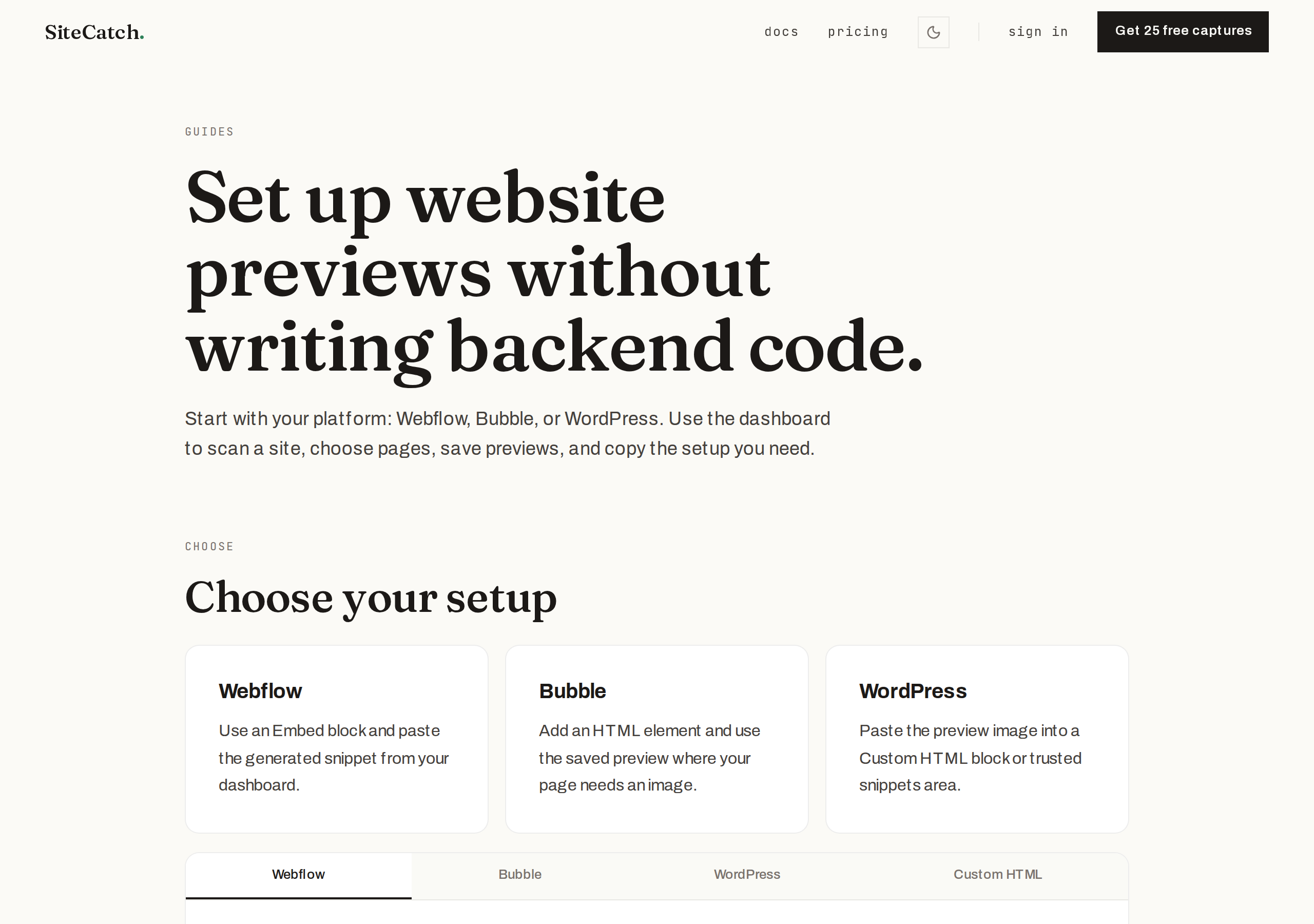
Platform guides

Works with your platform.

Use saved previews in Webflow, Bubble, WordPress, or your own workflow. The dashboard keeps the no-code path simple; the API docs are there when you want control.

webflow project - embed preview

Step by step

  1. 1Scan a website or capture one URL in the dashboard.
  2. 2Copy the preview URL or generated embed snippet.
  3. 3Add an Embed block where the preview should appear.
  4. 4Paste the SiteCatch snippet, publish, and keep managing screenshots from the library.
webflow snippet
<img id="my-screenshot" alt="Website preview" />

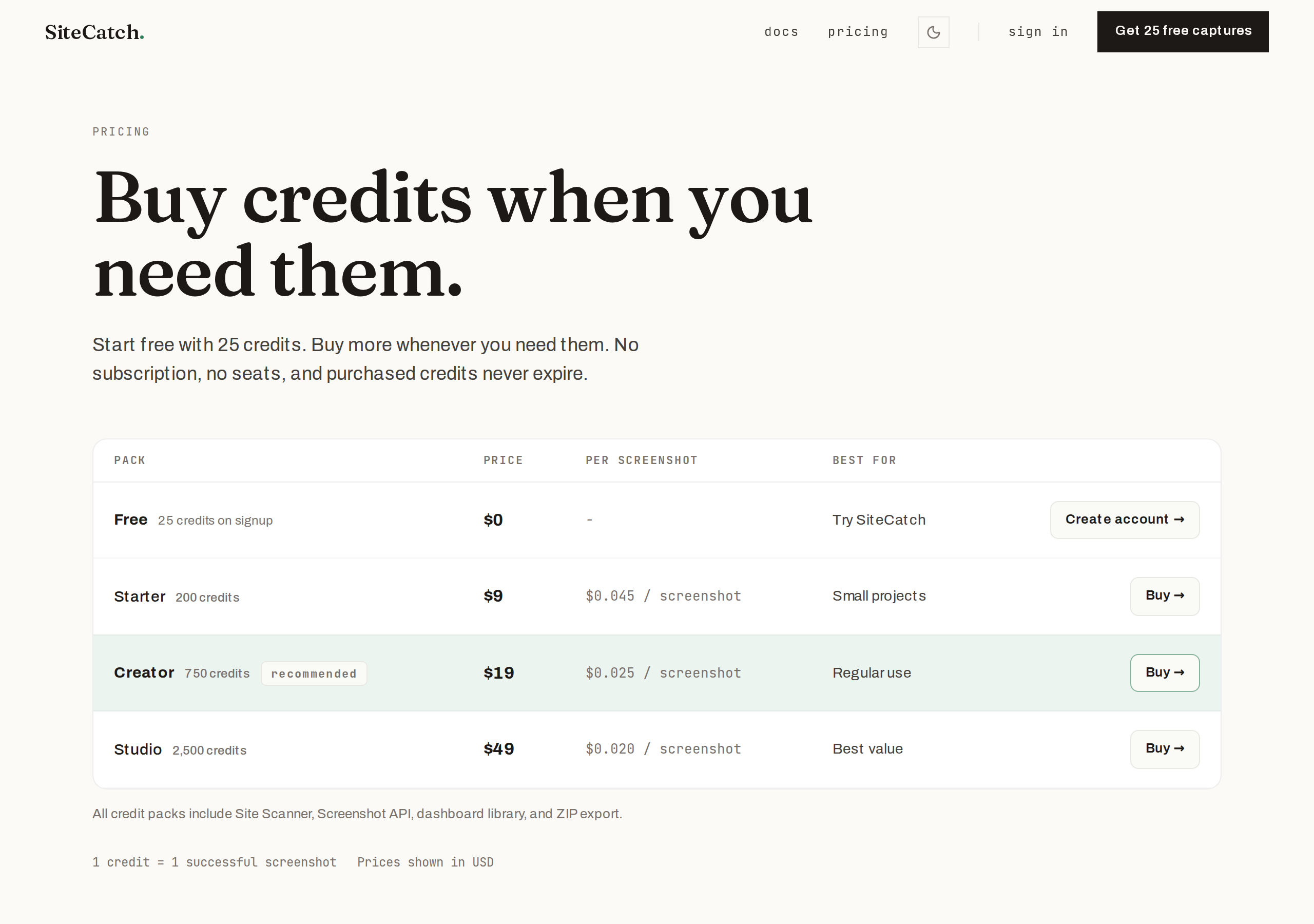
Pricing

Buy credits when you need them.

1 credit = 1 captured screenshot. Skipped pages do not spend credits. No subscription. No seats.

PackPricePer screenshot
Free25 credits on signup$0-Sign up ->
Starter200 credits$9$0.045 / screenshotBuy ->
Studio2,500 credits$49$0.020 / screenshotBuy ->
Free

25 credits on signup

$0

Starter

200 credits

$9

$0.045 / screenshotBuy ->
Studio

2,500 credits

$49

$0.020 / screenshotBuy ->

FAQ

Common questions.

If something is still unclear, the docs and dashboard examples go deeper.